 Program
Pieces Tutorial: Hello, User! Program
Pieces Tutorial: Hello, User!
Program
Pieces Tutorial: Hello, User! Program
Pieces Tutorial: Hello, User! Program pieces access the database through the MM3Data and MM3State objects they are passed when the program instantiates them.
This tutorial demonstrates using those objects to read the display name of the current user and say hello to them
Recall the steps you took making the HelloWorld project:
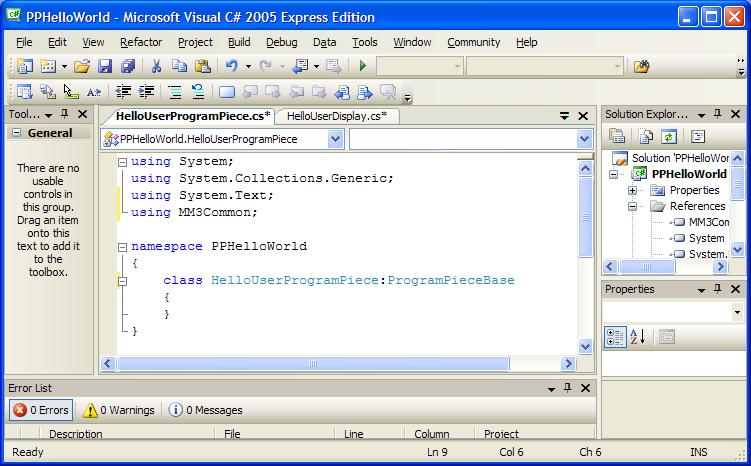
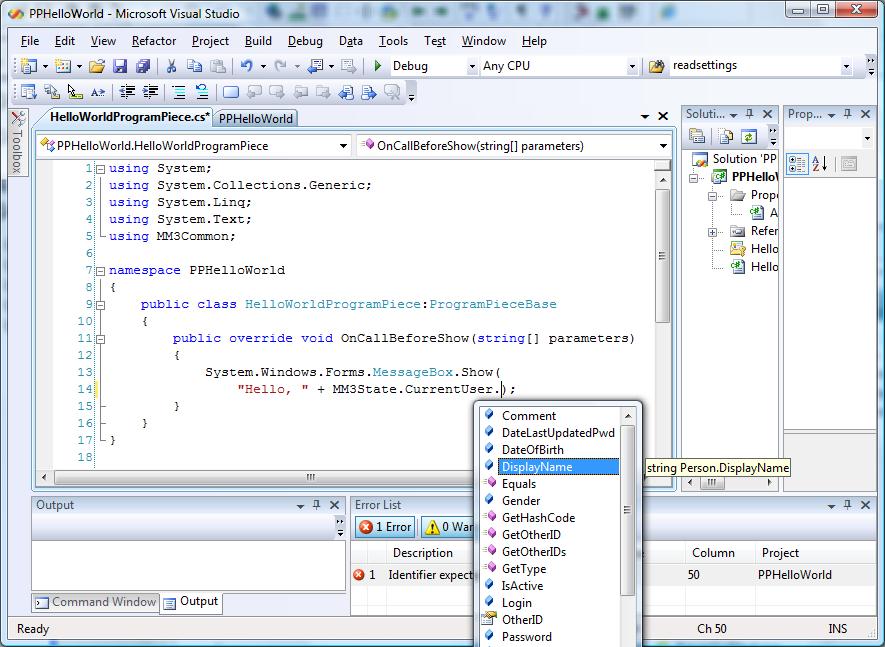
The beauty of program pieces is that they have access to the database and to the program state information through the objects MM3Data and MM3State. For example, we access the name of the current user through MM3State. To do this we will override OnCallBeforeShow() as in HelloWorld, but this time we use MM3State. Type the following code:
System.Windows.Forms.MessageBox.Show( "Hello, " + MM3State.CurrentUser.DisplayName);
Notice Visual Studio's Intellisense feature lets you see what members are available to you in classes such as MM3State and MM3Data.
That should do it
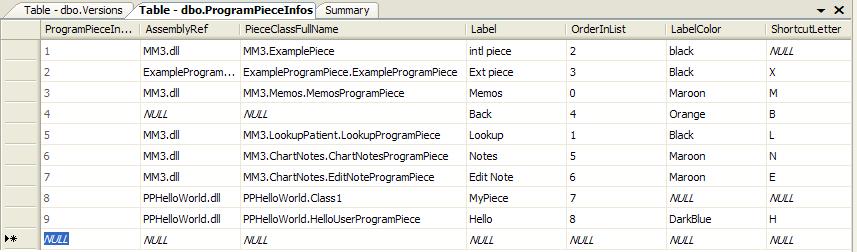
The administrator's console can then plug in the piece, adding its information to the database table. This is done in the Administrator's console, described elsewhere, but it adds a row the the ProgramPieceInfos table in the database.
When you run the program now, look under menu item Tools, Windows, HelloWorld (or whatever you told it to use for a label when you added it via the Administrator's console). Now you will get a personalized Hello message box.
Next tutorial: Making a display to show in the main form: PPHelloUserDisplay.html